

Whether you're embarking on a road trip across the country or simply need to keep your groceries cold during a power...
Latest posts
-
 What are the benefits of a portable car freezer?Read more
 -
 What should you consider when choosing a weight lifting bench?Read more
For many fitness enthusiasts, a dedicated weight lifting bench is an essential piece of equipment. It provides a...
-
 What are the best techniques for grinding objects of various shapes?Read more
Grinding is a fundamental process in many manufacturing and crafting applications, allowing us to shape, refine, and...
-
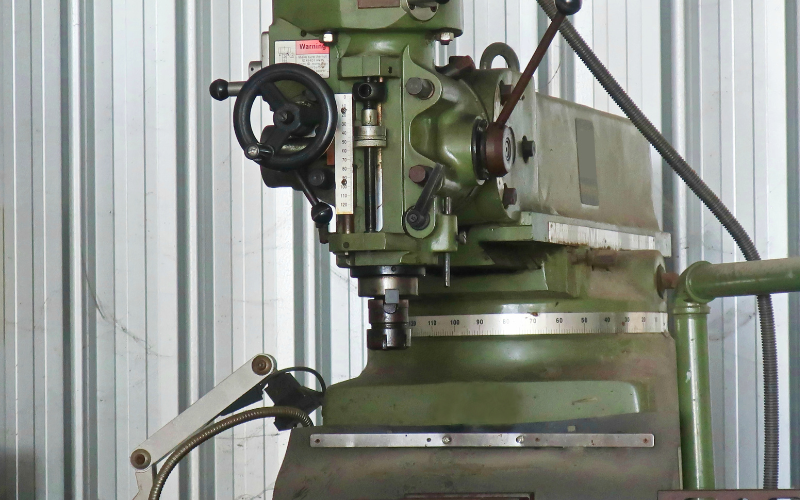 What makes a magnetic drill press essential for metalworking?Read more
Metalworking demands precision and power, and the right tools can make all the difference. While traditional drill...
-
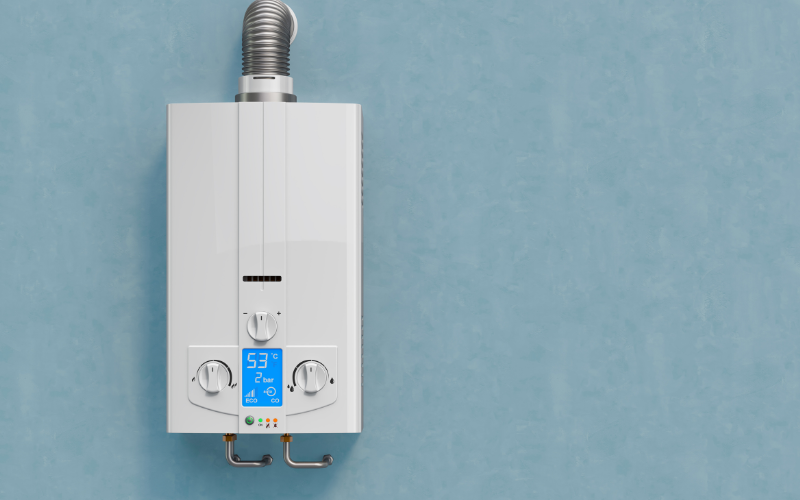 What are the advantages of tankless gas water heaters?Read more
Imagine stepping into a shower and experiencing endless hot water, no matter how long you linger. This dream could be...
-
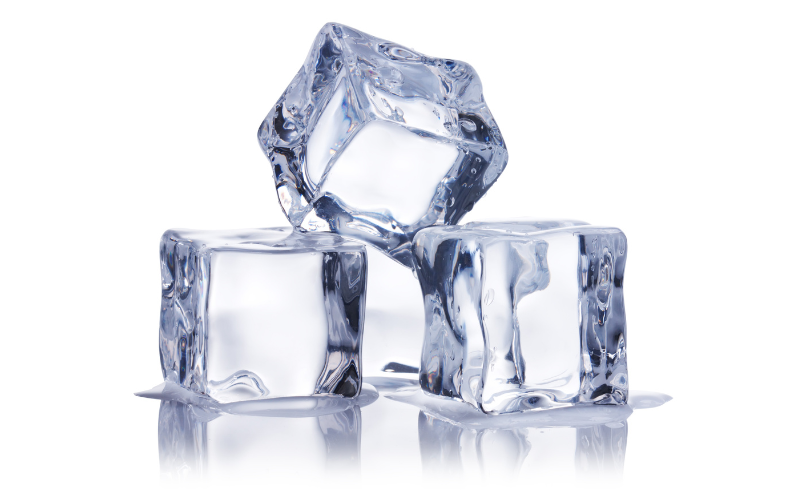 How to select the right commercial ice cube maker?Read more
From bustling cafes to high-volume restaurants, keeping your commercial space stocked with ice is a non-negotiable....
-
 What kind of trailer is best for off-road transport?Read more
The open road beckons, but sometimes that road takes you far off the beaten path. Whether you're an avid adventurer,...
-
 What features should you look for in a commercial ice cream maker?Read more
Making your own ice cream at home can be a truly rewarding experience. It allows you to control the ingredients,...
-
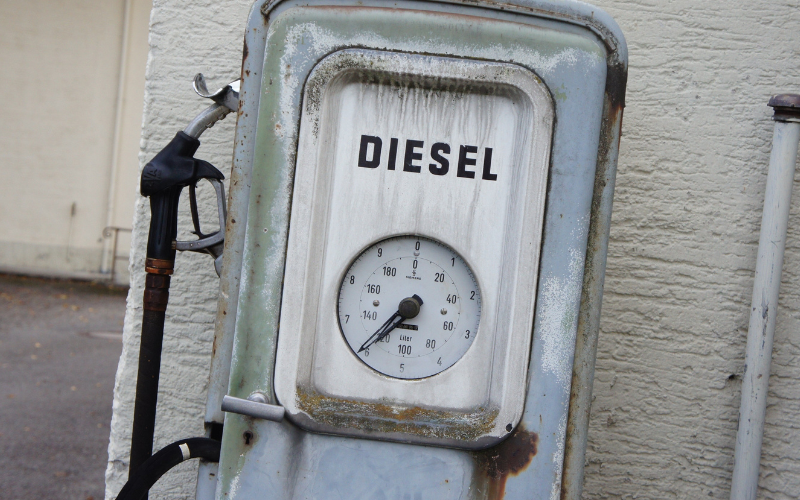 Why use a diesel preheater for your vehicle?Read more
Diesel engines are known for their power and efficiency, but they can be a bit more finicky than gasoline engines...
-
 What are the benefits of a diesel air heater in vehicles?Read more
For many vehicle owners, the arrival of cold weather signals a new set of challenges. Starting a car in freezing...


Blog categories
Search in blog
How do vinyl plotter cutters work for custom designs?
The Mechanics of Vinyl Plotter Cutters
Vinyl plotter cutters operate based on the principle of digital design translation into physical cuts. They consist of several key components working in unison to achieve precise results:
1. The Cutting Blade
At the heart of a vinyl plotter cutter lies a sharp blade, typically made from hardened steel or carbide. This blade is mounted on a carriage that moves back and forth along a cutting bed. The blade's sharpness ensures clean and accurate cuts through the adhesive vinyl.
2. The Cutting Head
The cutting head houses the blade and is responsible for controlling its movement. It connects to a system of motors and gears that precisely guide the blade along the designated cutting path. This intricate mechanism allows the cutter to navigate complex designs with accuracy.
3. The Control System
The control system, often a computer or specialized software, plays a crucial role in dictating the cutting process. It interprets digital design files (commonly in formats like SVG or DXF) and translates them into precise instructions for the cutting head.
- Design Import: You begin by importing your desired design into the control system software.
- Software Processing: The software analyzes the design, converting it into a set of instructions that define the blade's movement path and cutting parameters (depth, speed).
- Data Transmission: These instructions are then transmitted to the cutting head, guiding its movements.
4. The Cutting Bed
The cutting bed provides a stable surface for securing the vinyl sheet during the cutting process. It can be equipped with features like adjustable clamps or rollers to ensure proper alignment and prevent movement while cutting.
Materials and Applications
Vinyl plotter cutters offer versatility in terms of materials and applications. They are widely used for:
1. Signage and Graphics
Creating durable signs, banners, window decals, and promotional displays. The ability to cut intricate designs and lettering makes vinyl plotters ideal for signage needs.
2. Custom Labels and Stickers
Producing personalized labels for products, packaging, or organization purposes. Vinyl stickers are also popular for scrapbooking, crafting, and personalizing items.
3. Apparel Decoration
Applying iron-on vinyl to create custom designs on t-shirts, tote bags, and other apparel items. Plotters enable the precise cutting of intricate designs for professional-looking embellishments.
4. Architectural Models and Prototypes
Creating detailed models and prototypes using adhesive vinyl sheets. The precision cutting capabilities allow for the construction of complex shapes and structures.
Tips for Using Vinyl Plotter Cutters
To achieve optimal results with your vinyl plotter cutter, consider these tips:
- Choose the Right Blade: Select a blade appropriate for the thickness of your vinyl material.
- Practice Cutting on Test Material: Before cutting your final design, test the cutting settings on a scrap piece of vinyl to ensure proper depth and precision.
- Weed Carefully: After cutting, carefully remove excess vinyl (weeding) around your design using weeding tools.
- Apply Adhesive Properly: When transferring your cut vinyl to a surface, apply firm pressure to ensure good adhesion.
5. Vehicle Wrapping
Applying vinyl wraps to vehicles for customization and advertising purposes. Plotters enable precise cutting of intricate designs and patterns for professional-looking vehicle wraps.
Software and Design
Vinyl plotter cutters are typically used in conjunction with specialized design software.
-
Vector Graphics Software: Programs like Adobe Illustrator, CorelDRAW, or Inkscape allow you to create vector graphics—precise mathematical representations of images that can be scaled without losing quality. These vector files are compatible with most vinyl plotter cutters.
-
Cutting Software: Specialized cutting software often comes bundled with vinyl plotters or is available as a separate purchase. This software interprets your vector graphics and generates instructions for the cutter, including cutting paths, blade settings, and material selection.
Maintenance and Care
To ensure the longevity and performance of your vinyl plotter cutter, follow these maintenance tips:
-
Regular Cleaning: Keep the cutting bed and blade area clean to prevent debris from affecting cutting accuracy. Use compressed air or a soft brush to remove dust and particles.
-
Blade Replacement: Replace your blade regularly, as dull blades can result in poor cuts and uneven edges. Refer to your cutter's manual for recommended blade replacement intervals.
-
Calibration Checks: Periodically calibrate your plotter to ensure accurate cutting dimensions. Most cutters have built-in calibration routines or provide instructions on how to perform manual calibration.
-
Troubleshooting
If you encounter issues with your vinyl plotter cutter, try the following troubleshooting steps:
-
Check Material Feed: Make sure the vinyl material is loaded correctly and feeding smoothly through the cutter.
-
Inspect Blade Condition: Examine the blade for dullness or damage. Replace it if necessary.
-
Review Cutting Settings: Adjust cutting depth, pressure, and speed as needed based on your material thickness and design complexity.
-
Consult User Manual: Refer to your cutter's user manual for specific troubleshooting tips and solutions related to your model.
Posted in:
Default category
Related posts
-
-
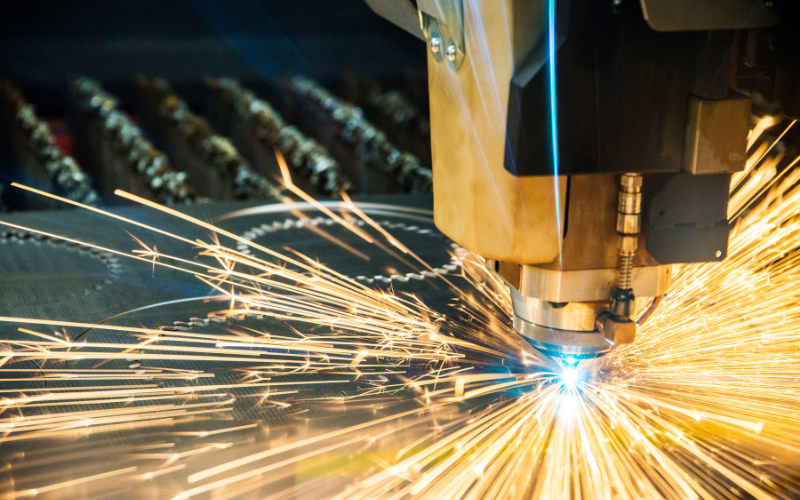 CO2 laser cutting machines have revolutionized industries by enabling precise and efficient cutting of a wide range...Read more
 -
-
 The aroma of freshly churned soft serve ice cream can instantly transport you to childhood memories of carefree...Read more
 -


Leave a comment